Agent Browser
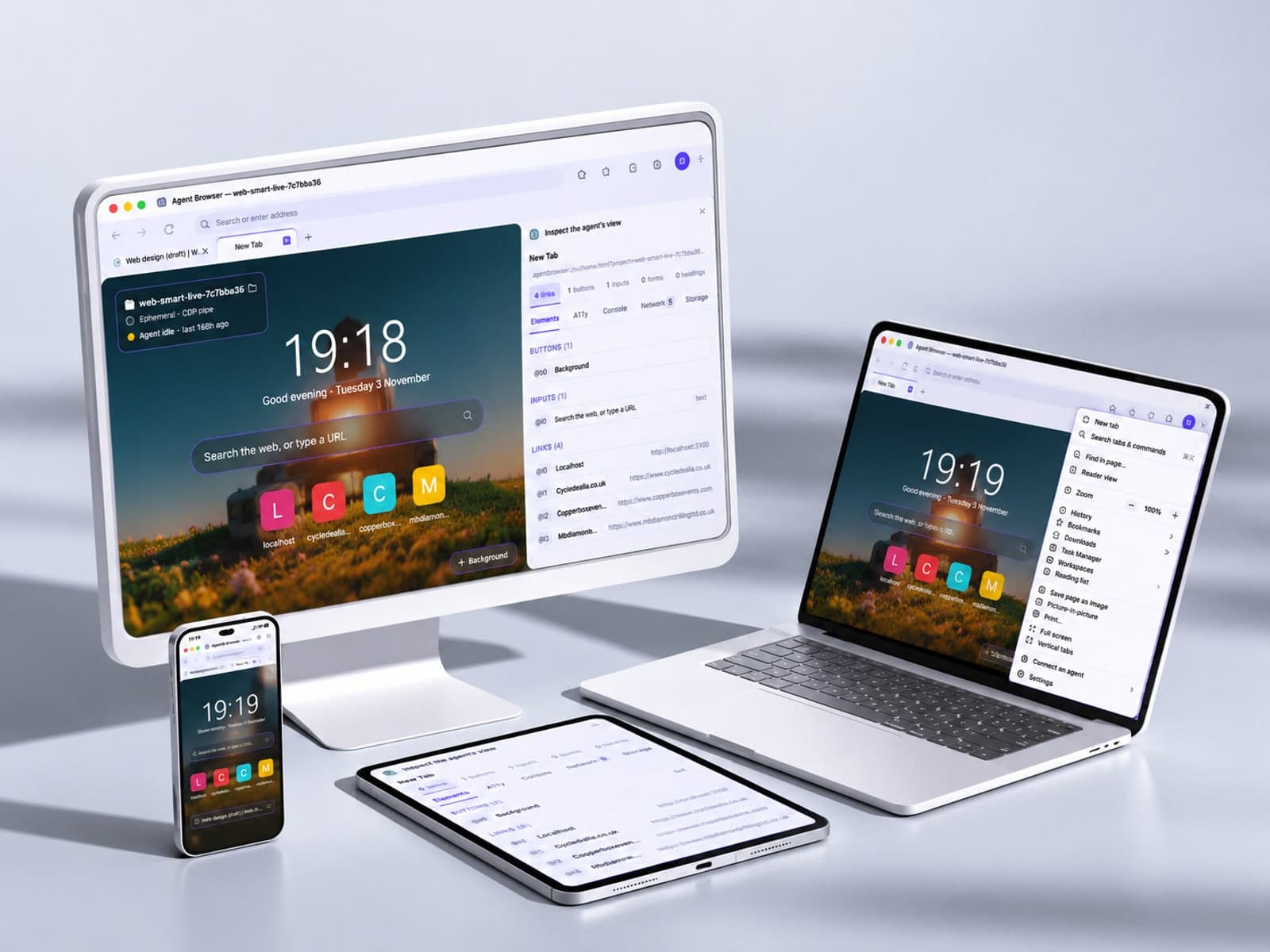
A macOS browser every project and coding agent drives on its own isolated port, so parallel work never collides.
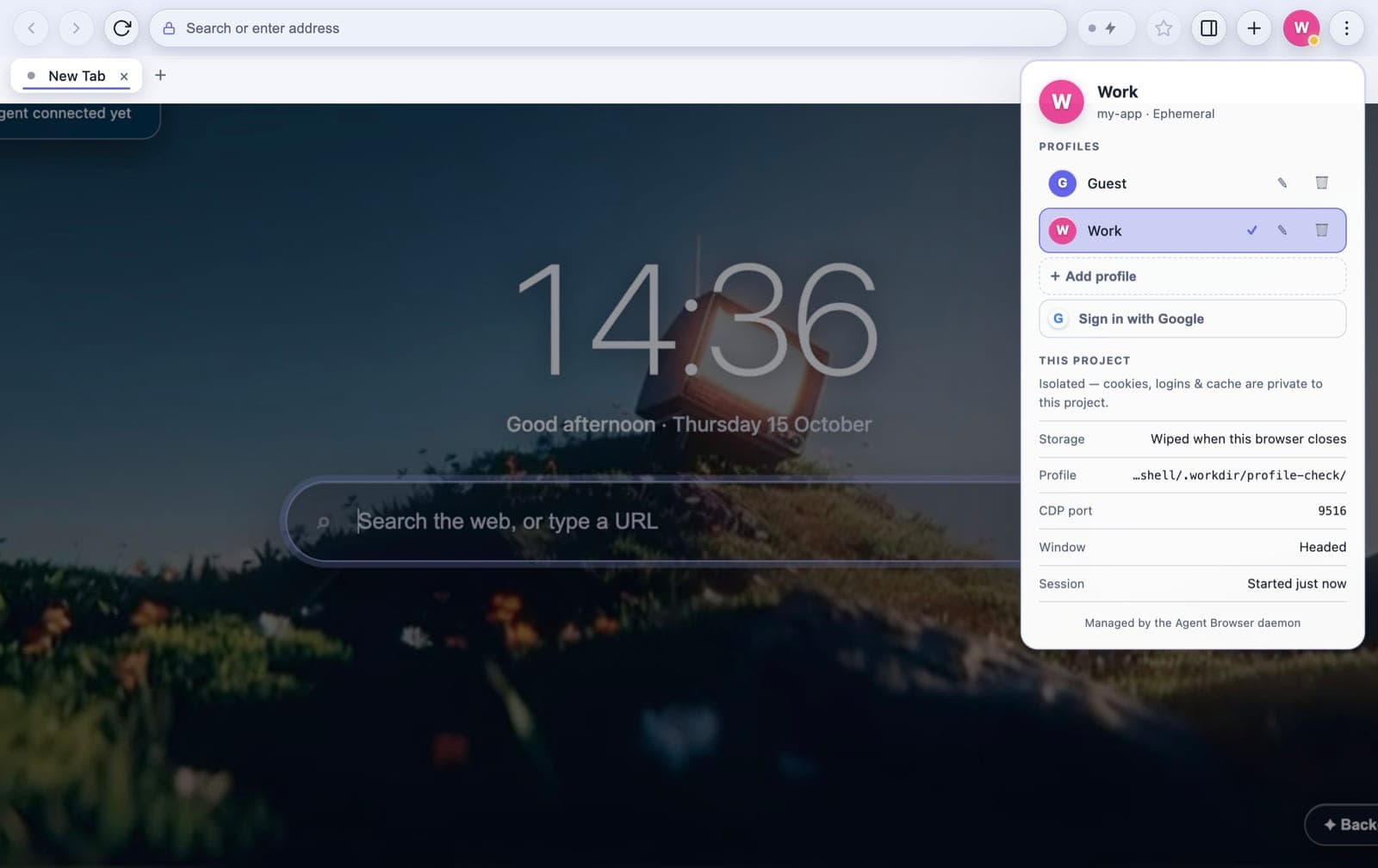
[ The transformation ]
Driving a browser from an AI agent usually means one shared Chrome, one shared profile and one shared debugging port. Two projects automating at once log each other out, overwrite each other’s cookies and fight for the same port.
Built end to end across shell, daemon, bridge and MCP, with suites green. Hardening, signing and notarisation are the remaining work.
[ The hard problem ]
An automation port is a remote-control channel into a browser holding real logins. Isolating by project is the easy half; the hard half is a token store and a broker that keep one project’s agent from reaching another project’s session.
[ How it works ]
An Electron browser with an orchestration daemon behind it. Every project gets its own process, its own profile and its own CDP port — derived from the project id, so the same project always lands on the same port and two projects can never collide.
Isolation by construction
Separate process and separate profile per project, with the port derived from the project id rather than allocated first-come. Predictable from the id alone, and unavailable to anything else.
A token-optimised automation surface
The bridge and MCP layers expose the browser as tools an agent can call directly, with delta and dedupe passes so repeated reads of the same page cost a fraction of the first.
[ Key features ]
One dedicated CDP port per project, derived from the project id
Separate process and profile per project — headless or headed
Orchestration daemon with a broker, registry and port allocator
A 79-tool automation surface across the bridge and MCP layers
Token store with 0600 files and code signing
[ The result ]